PBX 2.3 Manage auto-provisioned phones
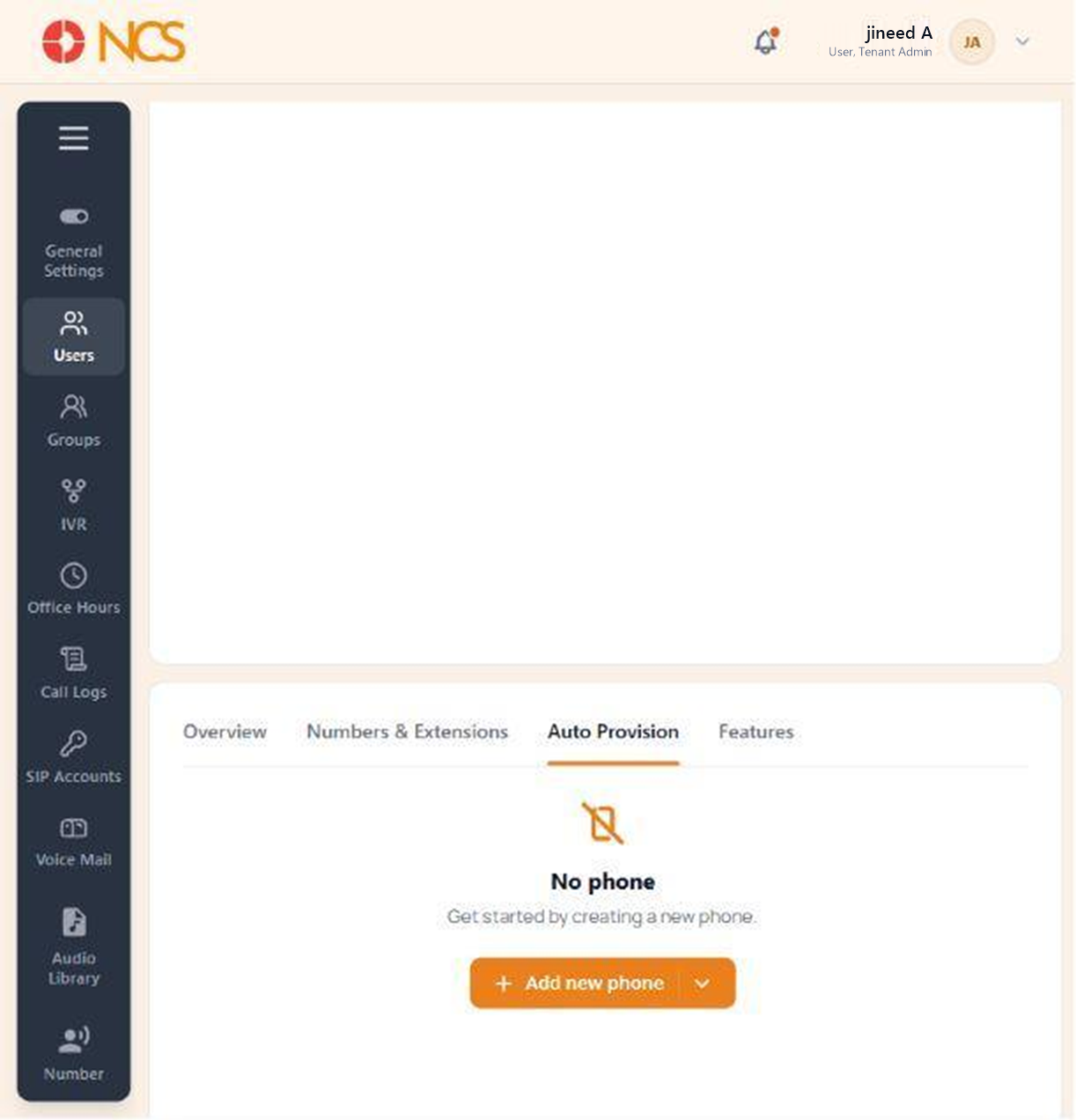
The Auto Provision tab connects a physical desk phone to the user so the handset configures itself from the platform.
- Open the user record and select Auto Provision.
- Review any phones already assigned to the user. With none assigned the tab reads No phone, "Get started by creating a new phone."
- Pilih Add new phone to start device provisioning.
Handset Details. Have the handset's MAC address and model to hand before you start, and provision the phone at the desk it will live on, so you can confirm it registers before you leave it.
Figure key, Auto Provision
- Auto Provision tab, selected.
- Assigned phone list, or its empty state.
- Add new phone control.