PBX 3.1 Review a group and set its details
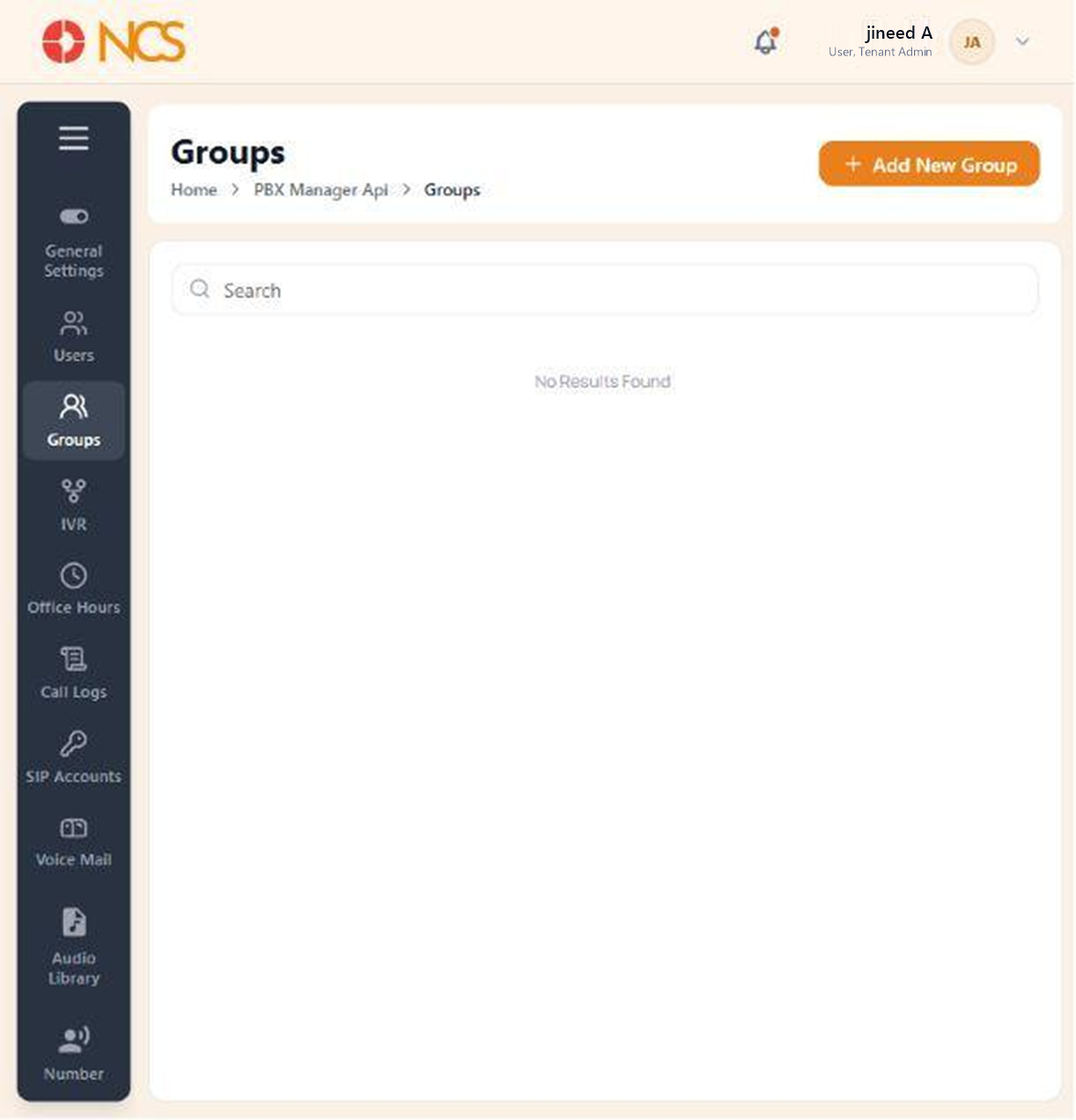
- Open Pengurus PBX > Kumpulan.
- Use Cari to locate an existing group.
- Pilih a group in the left list to manage it.
- If the list is empty, select Add New Group.
A selected group opens on three tabs: Gambaran Keseluruhan, Members and Nombors & Extensions.
Gambaran Keseluruhan holds two sections:
| Section | Contents |
|---|---|
| Group Information | "Configure the basic settings and details for this group." Contains Group Nama, placeholder Enter group name. |
| Features | "Configure additional calling features and group capabilities." Contains Panggilaner ID Prepend. |
Three controls sit at the bottom: Batal, Save Changes and Delete Group.
Panggilaner ID Prepend is how an agent knows why the phone is ringing. It adds a marker to the caller ID shown on the handset, so a call arriving through the Support group is visibly different from a direct call. Set it on every group whose members also take direct calls.
Figure key, PBX Kumpulan
- Jejak Navigasi.
- Left navigation, with Kumpulan selected.
- Cari field.
- Group list, on the left.
- Add New Group button.
- Gambaran Keseluruhan, Members and Nombors & Extensions tabs.
- Group Nama field.
- Panggilaner ID Prepend field.
- Batal, Save Changes and Delete Group buttons.