SUP 1.4 Agentes tab, assign queue agents
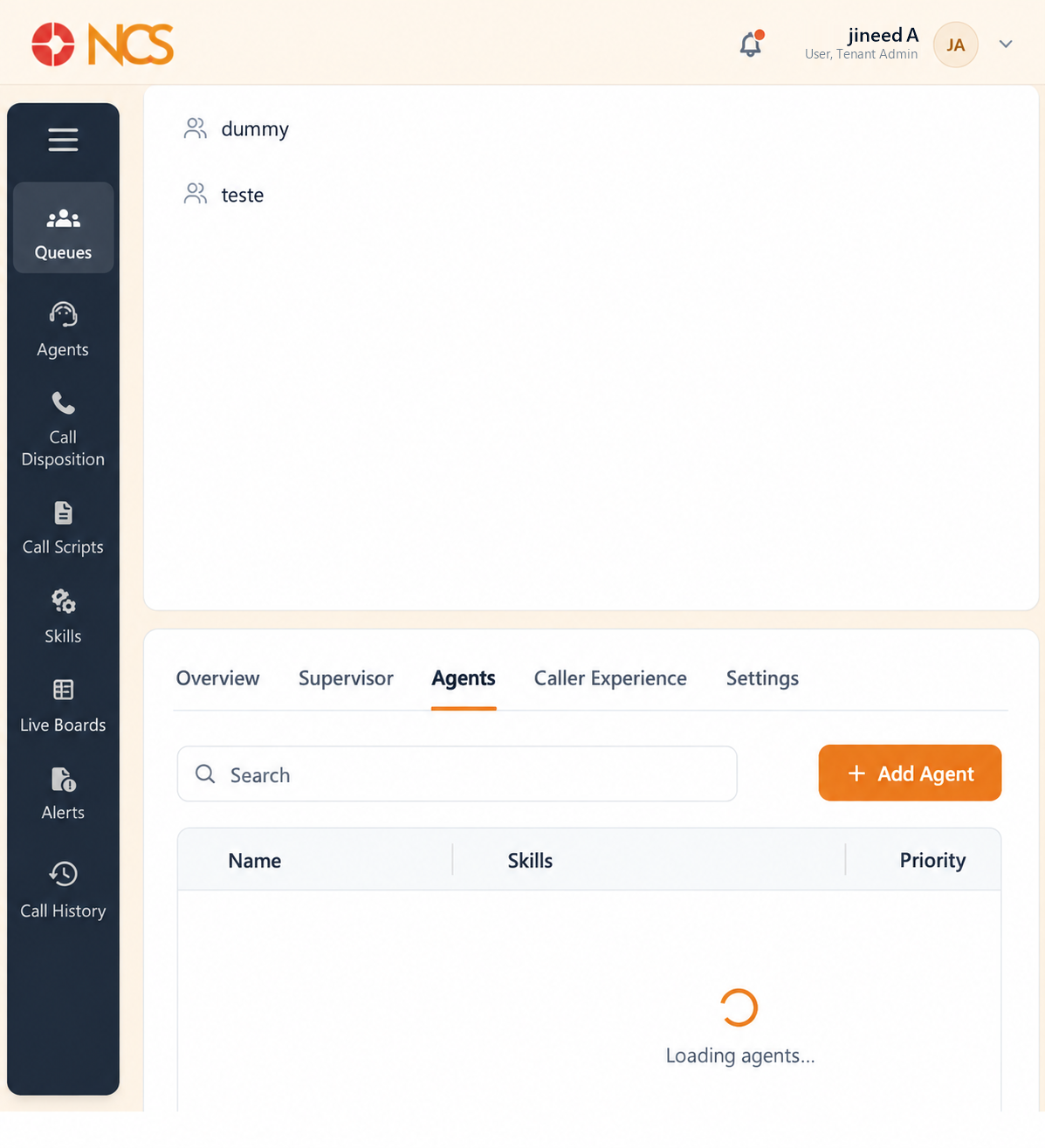
The Agentes tab is the queue's staffing list. It holds an Add Agente button and a table with the columns Nombre, Habilidades, Priority, State and Acciones.
- Open the queue and select Agentes.
- Seleccione Add Agente to assign an agent.
- Review each agent's Habilidades, Priority and State.
- Use the row action to change an assignment.
| Column | What it means |
|---|---|
| Nombre | The agent's name and their extension, shown on the line below it, for example Marcos Antunes Agente above 1013. |
| Habilidades | The skills the agent holds, which determine which calls they can be offered (see SUP 5). A dash means none are assigned. |
| Priority | The order in which the agent is offered calls from this queue. |
| State | The agent's current availability. Observed values include Ready and Logout. |