Softphone Dialer Descripción general
The NCS One Softphone, also known as the Dialer, allows users to make, receive, and manage phone calls directly from the NCS One platform. This feature integrates seamlessly with the other communication tools provided by NCS One, ensuring efficient and effective communication.
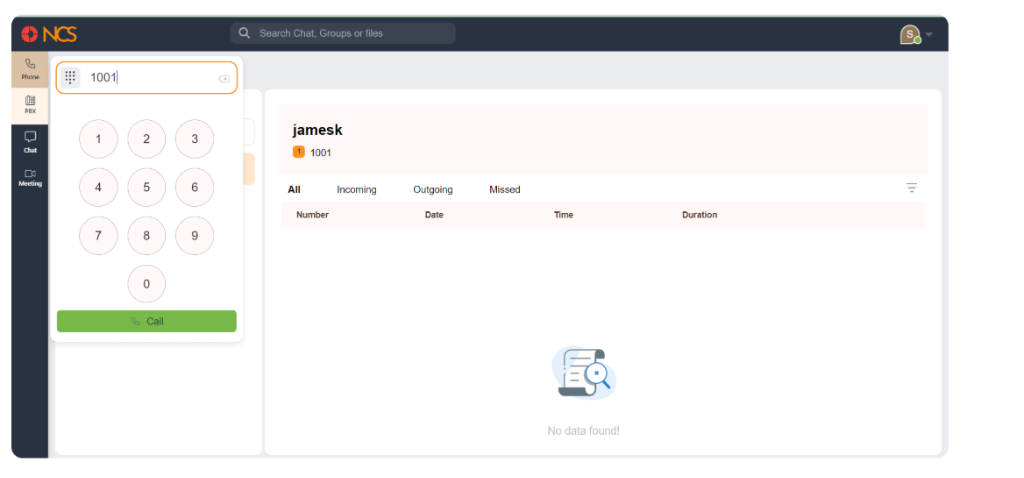
On the left sidebar, click on the Teléfono icon to open the softphone. In the dial pad section, use your mouse or keyboard to enter the phone number you wish to call. We can move the dialer wherever around the screen. After entering the number, click the Llamada button at the bottom of the dial pad to initiate the call.
You can access the dialer whenever you want along with other menus open. To close the dialer, click on the dialer/phone button again.