PBX 2.2 Manage extensions and phone numbers
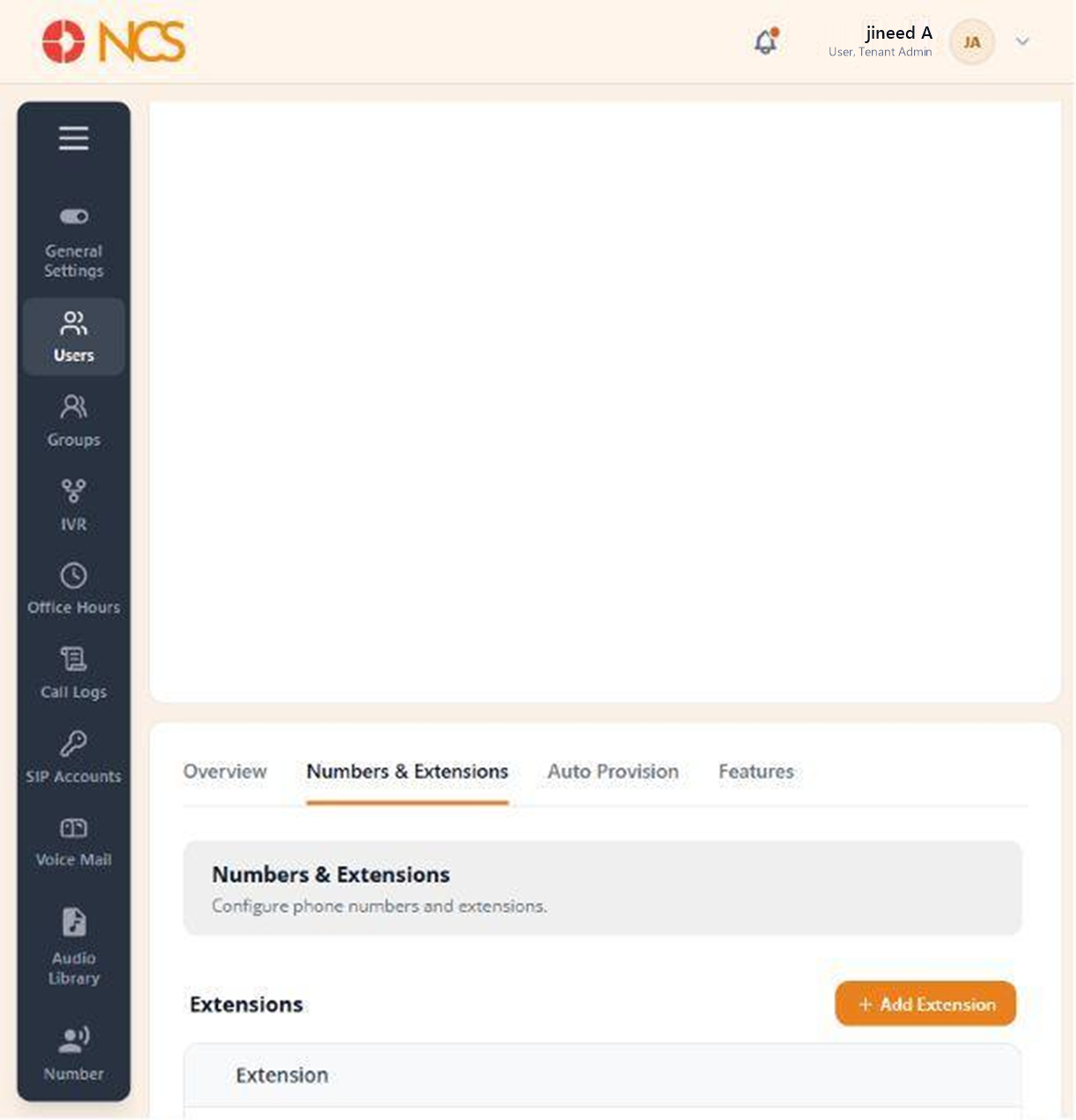
The Númeross & Extensions tab, "Configure phone numbers and extensions", holds the two things that make a user reachable: an internal extension, and an external number. Each has its own section with its own table and empty state ("No extensions assigned", "No phone numbers assigned").
- Open the user record and select Númeross & Extensions.
- Under Extensions, select Add Extension. Read the caution below before you do.
- Review the assigned extensions. Seleccione Unassign on a row to remove one, then confirm.
- Under Teléfono Númeross, select Add from Spare to assign an available external number.
- Review the assigned telephone numbers and their row actions.
Extension and number are separate. An extension makes the user reachable from inside your organisation. A number from Add from Spare makes them reachable from outside it. A user with an extension and no number can be dialled by colleagues but cannot be called by a customer.
Add from Spare draws on the tenant's unassigned numbers. If the picker is empty, your tenant has no spare numbers to assign. Númeross are provisioned to the tenant by the platform: request more through support@ncsapp.com rather than looking for a purchase control on this page.
Figure key, Númeross & Extensions
- Númeross & Extensions tab, selected.
- Extensions section heading.
- Add Extension control.
- Assigned extension rows, with their row actions.
- Teléfono Númeross section heading.
- Add from Spare control.
- Assigned number rows, with their row actions.