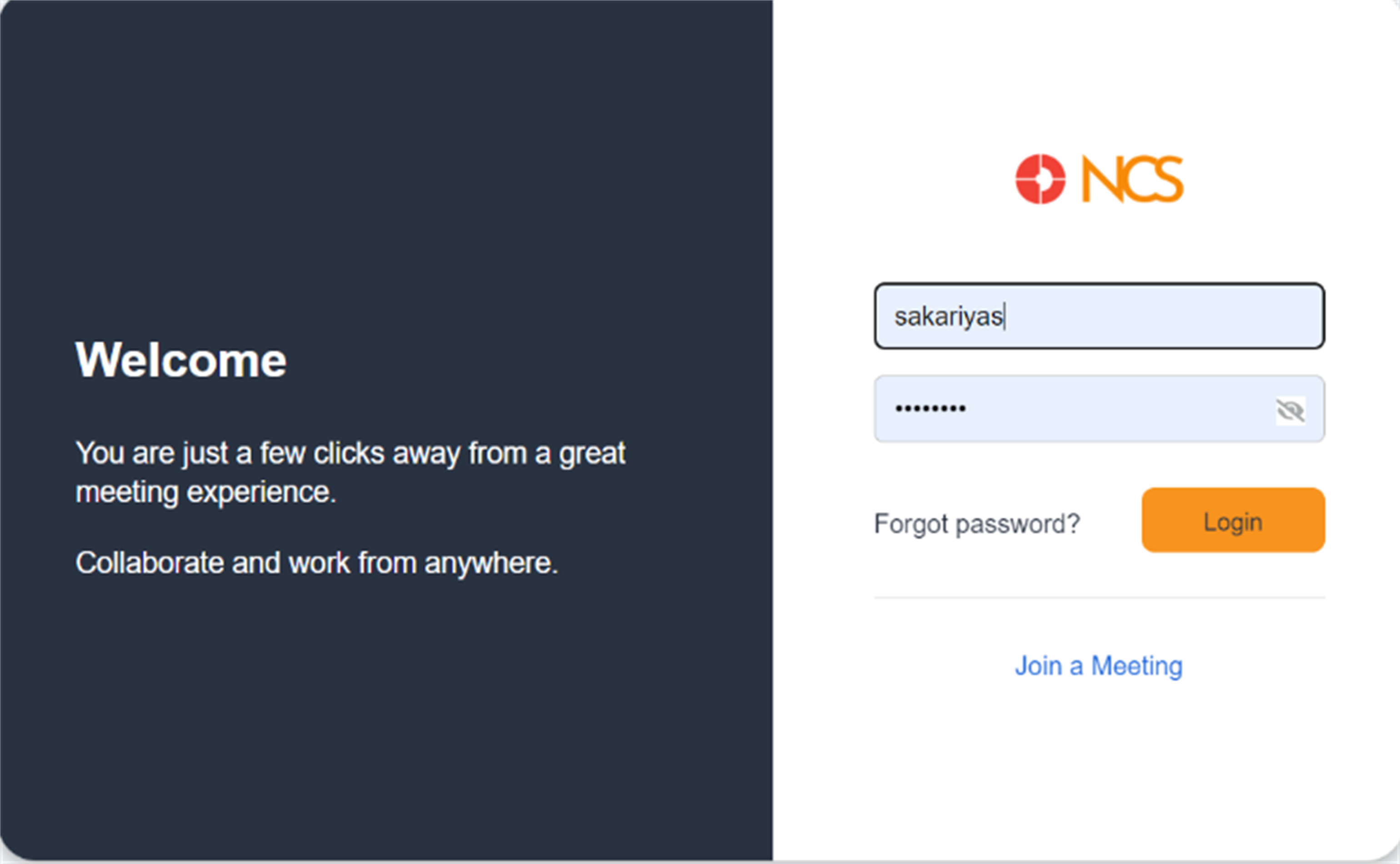
Log in
Navigate to the NCS One login page using your web browser or app. Enter your registered Email ID and Password. Ensure that you enter the correct password associated with your username.
Once you have entered your username and password, click the orange Login button to access your NCS One account.
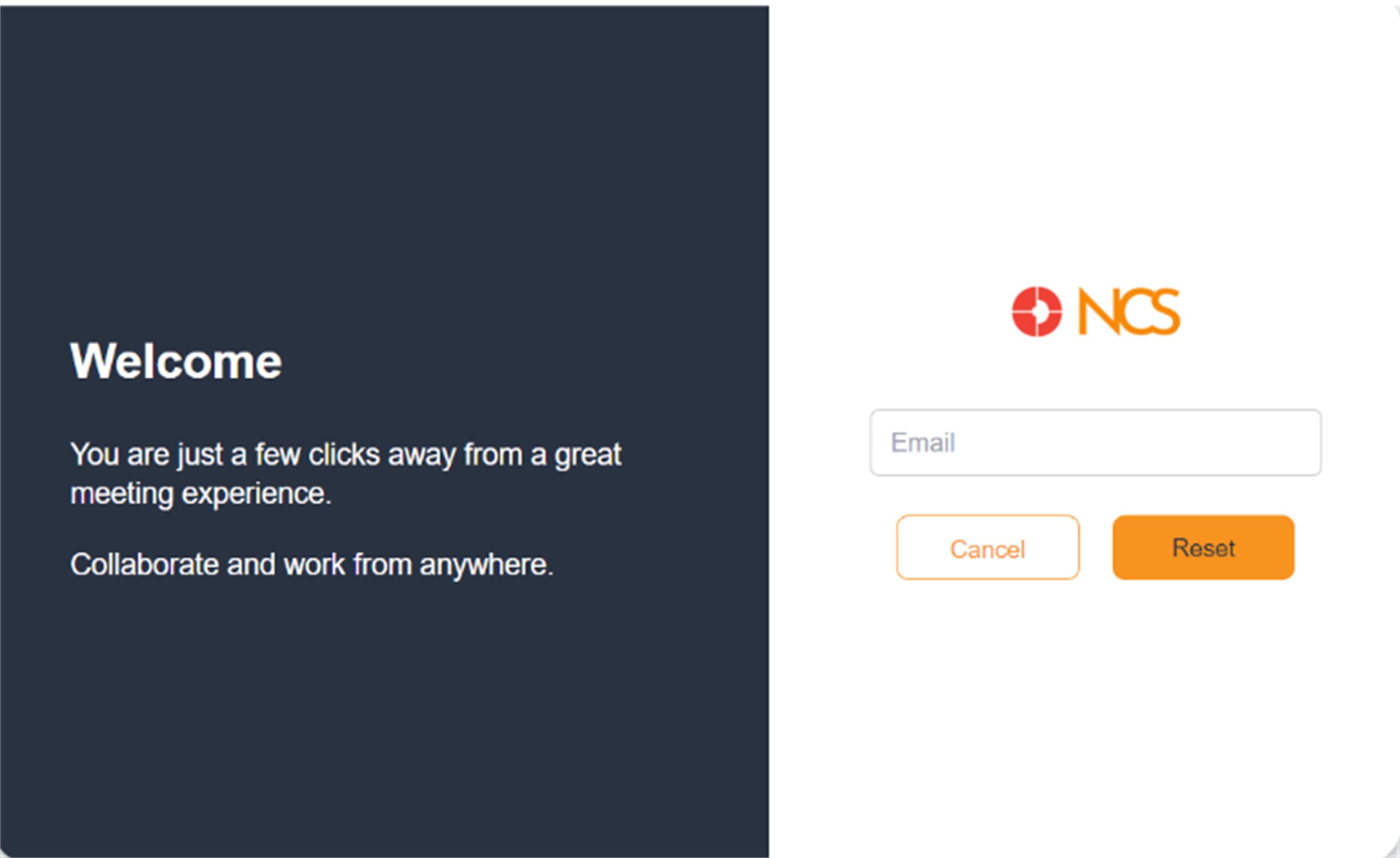
Forgot Password
If you have forgotten your password, click the Forgot password? link located below the password field. You will be prompted to enter your email address associated with your NCS One account. Follow the on-screen instructions to receive a password reset link in your registered email.
Click on the link sent to your email, then follow the prompts to reset your password.
Once your password is reset, return to the login page and enter your username and new password to log in.
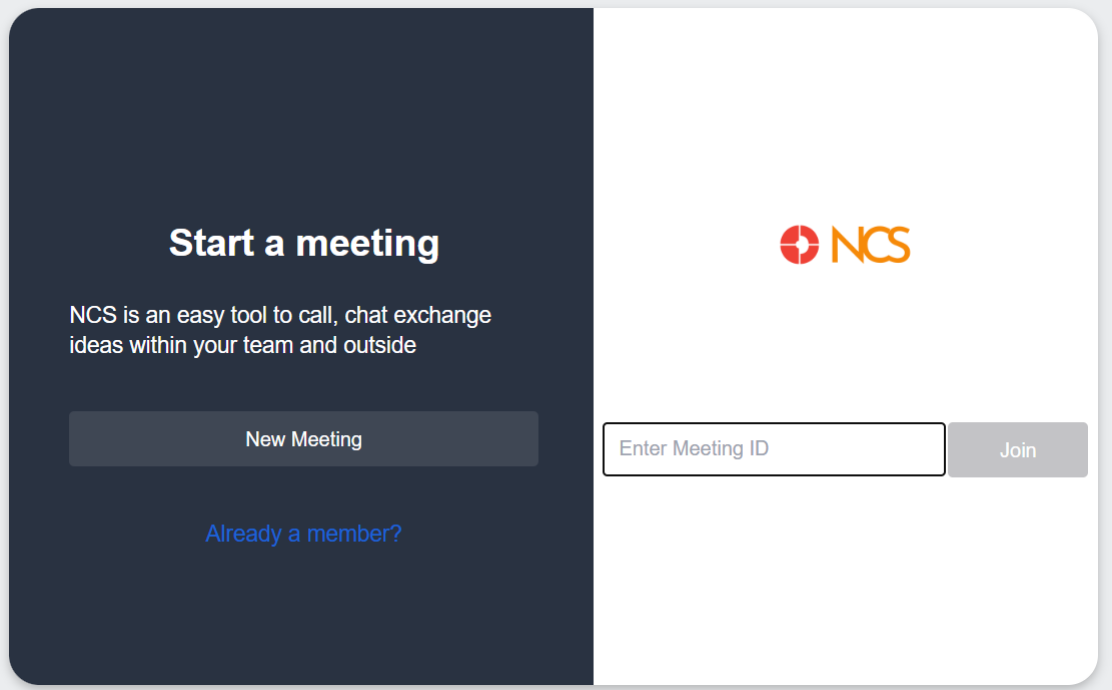
Join meeting without log in
Users can join a meeting without login to NCS. On the login page, click the Join a Meeting link located below the login button.
You will be redirected to a new page where you need to enter the Meeting ID provided to you by the meeting organizer.
After entering the Meeting ID, click the Join button.