PBX 8 Voice Mail
PBX Manager > Voice Mail is the administrative view of the tenant's voicemail records. The left navigation calls it Voice Mail; the page itself is headed Voicemail.
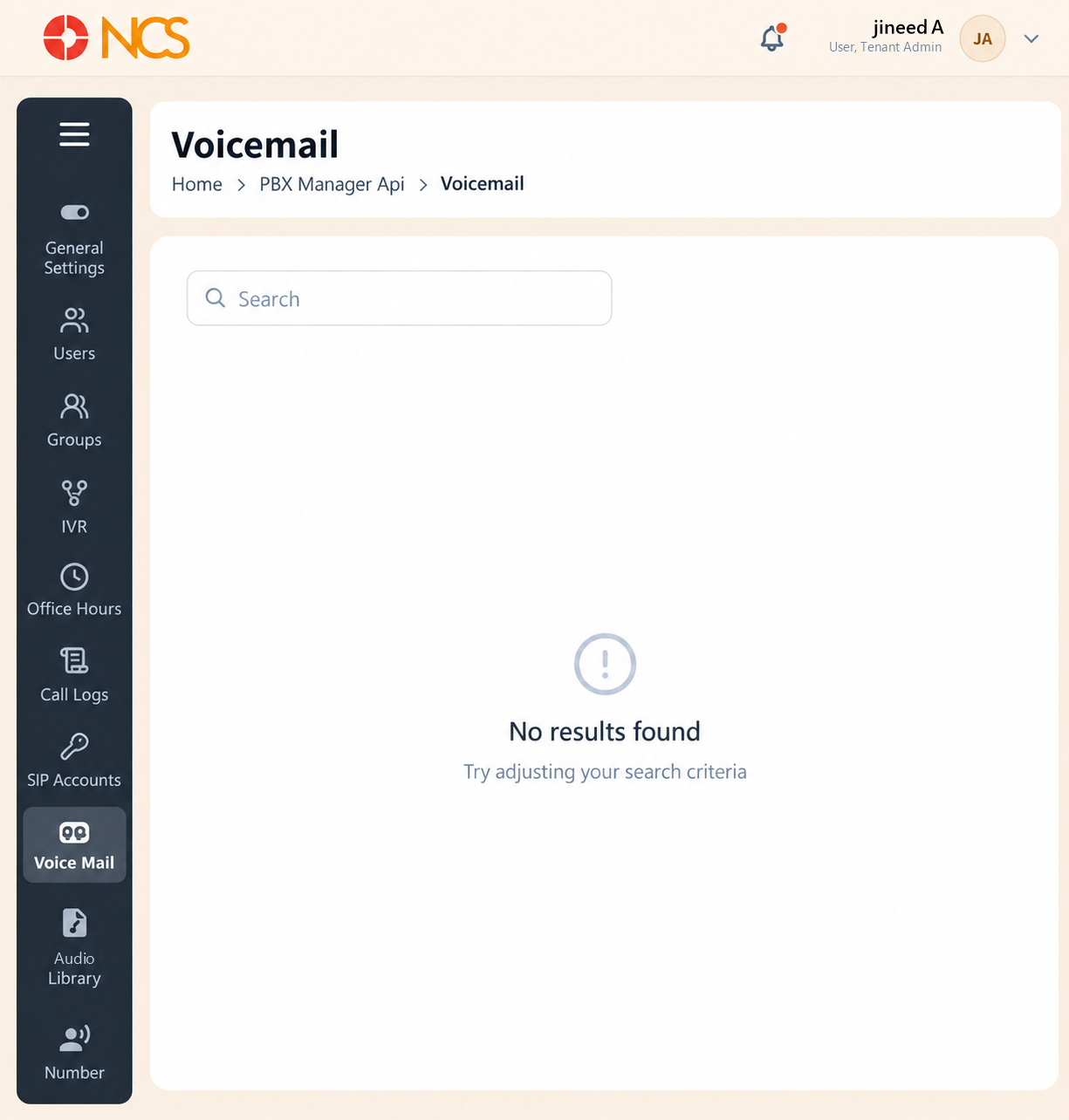
- Open PBX Manager > Voice Mail from the left navigation.
- Enter a user, mailbox or other visible identifier in Search.
- Review the returned records.
- The empty state reads No results found, "Try adjusting your search criteria".
Audit View Recommendation. Enable Voice mails under Email Notifications (see PBX 1.4) so a message reaches its owner without anyone having to open this page. Treat this page as the audit view, not the delivery mechanism.
Figure key, Voicemail administration
- Breadcrumb.
- Left navigation, with Voice Mail selected.
- Search field.
- Voicemail record table, or the No Results Found state.