PBX 9.2 Review call recordings
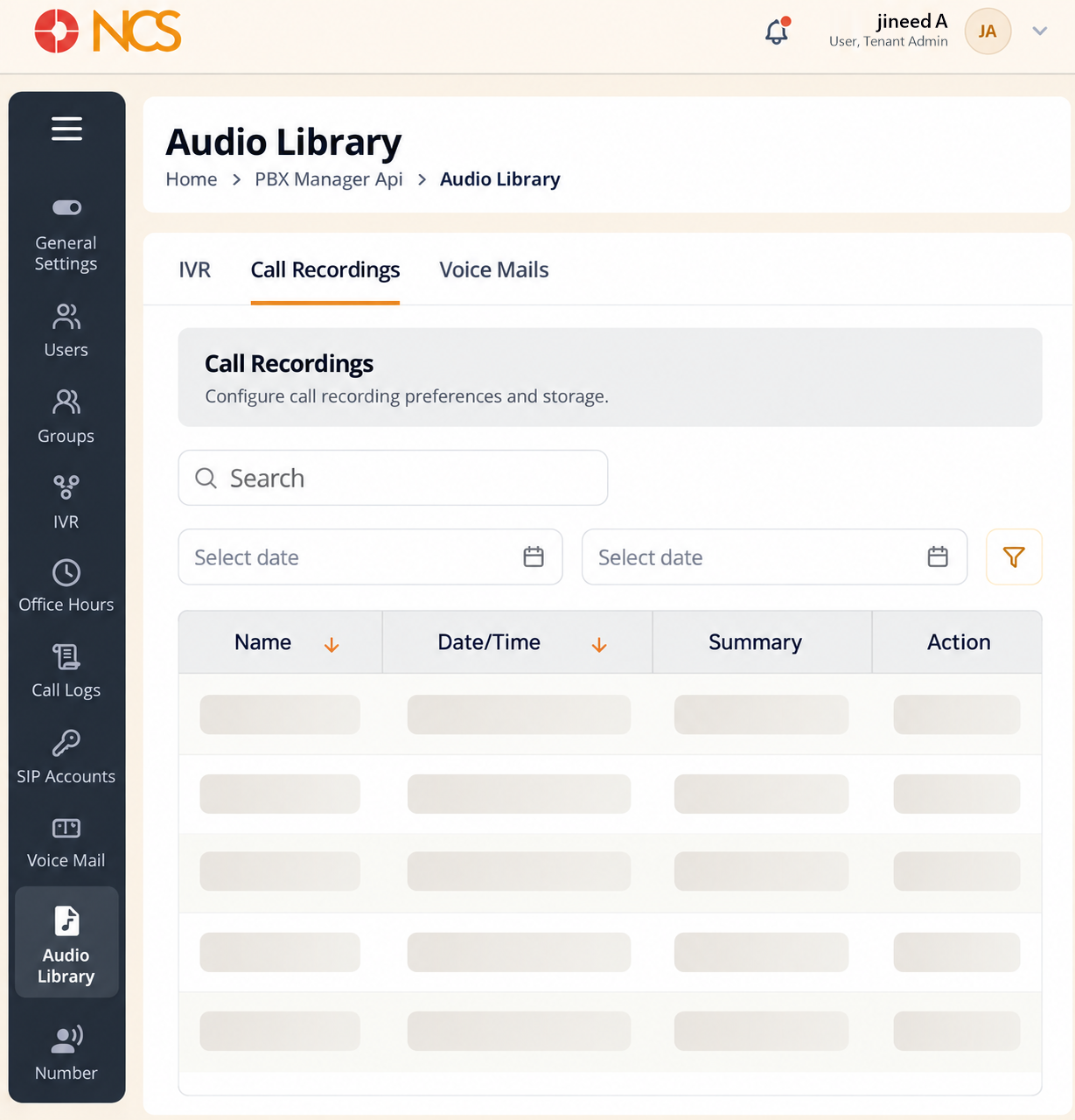
- Open PBX Manager > Audio Library and select Call Recordings. The section is described as "Configure call recording preferences and storage."
- Use the two Select date controls to define the period you need.
- Review Name, Date/Time, Summary and Action. The empty state reads No Data Found.
- Use the row action to open a recording.
Both date controls open empty. Neither carries a default range, so the list is unfiltered until you set them. Set both before concluding a recording does not exist.
Figure key, Audio Library, Call Recordings
- Call Recordings tab, selected.
- Search field.
- Start date control.
- End date control.
- Name column.
- Date/Time column.
- Summary column.
- Action column.