BRD 4.1 Manage message templates
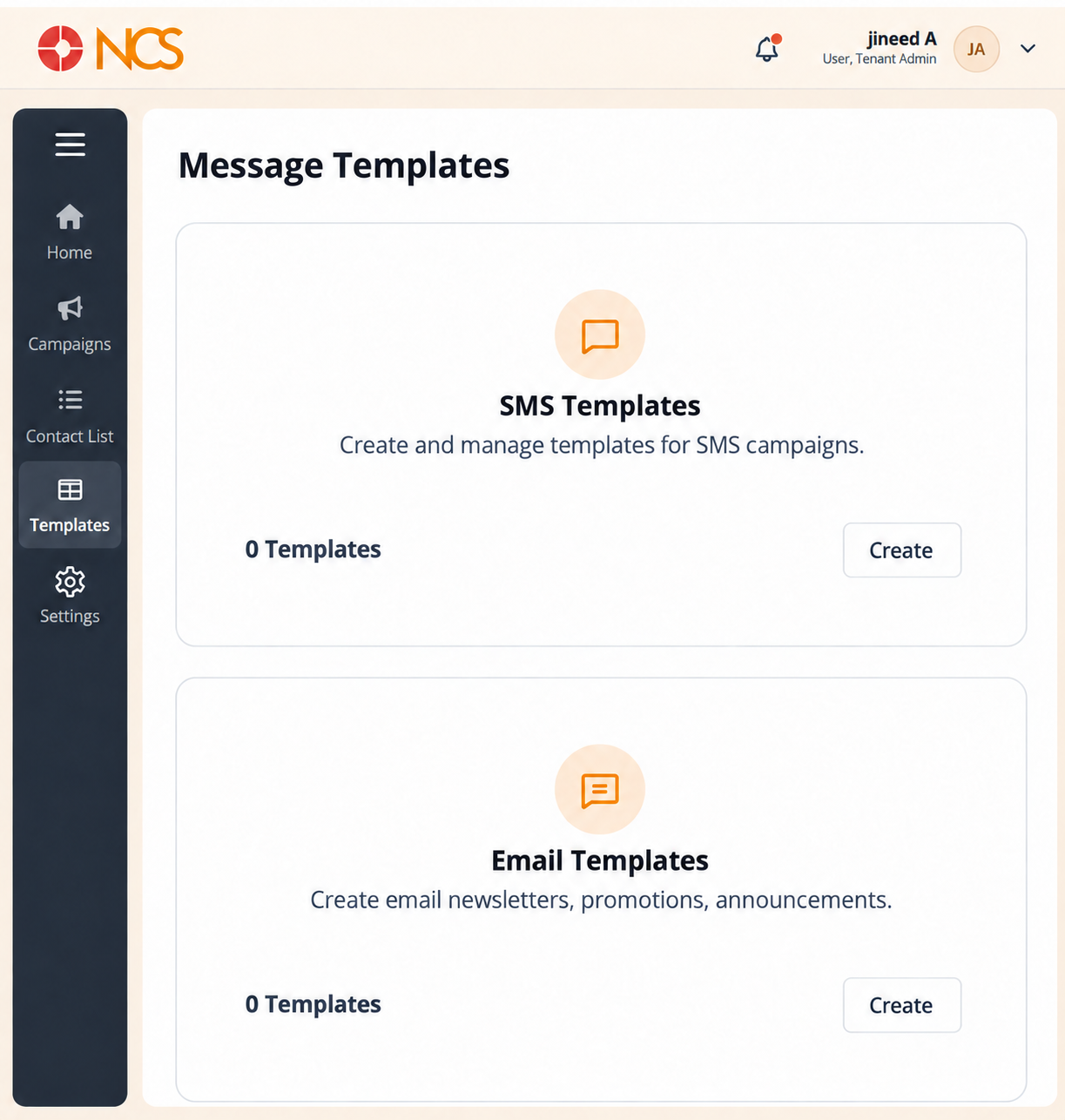
- Open Broadcast > Templates.
- Review the three groups: SMS Templates, Email Templates and Voice Templates.
- Read the template count on each group.
- Select Create inside the group you need.
Channel specificity. Each channel has its own group, so an SMS campaign can only use an SMS template. Build the template before the campaign that sends it.
Figure key, Message Templates
- Breadcrumb.
- Left navigation, with Templates selected.
- SMS Templates group, with its count and its Create control.
- Email Templates group, with its count and its Create control.
- Voice Templates group, with its count and its Create control.