Preferences
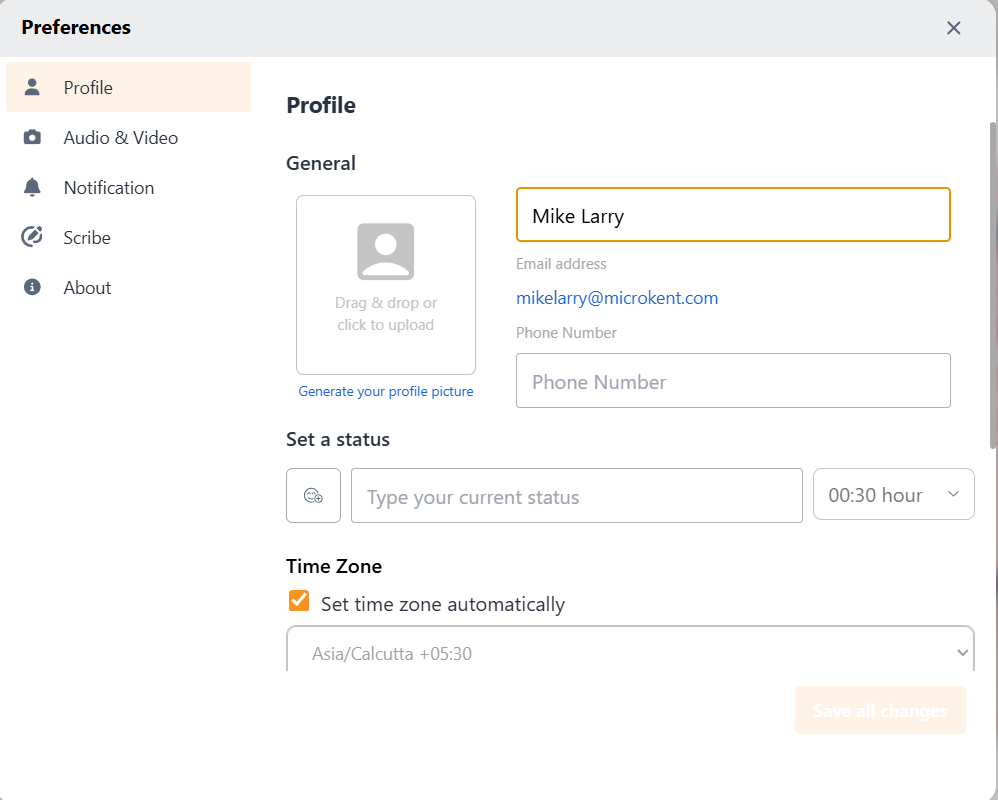
Settings is the control panel for customizing your NCS experience. You can change your profile information, preferences, notification settings, and the look and feel of the app in the Settings section.
To access and edit your profile and App settings, click on the My Profile Avatar icon, then select Settings. This will open the Settings Modal with four tabs - Profile, Audio & Video, Notifications, and About.