المقسم الآلي 1.4 Configure email notifications
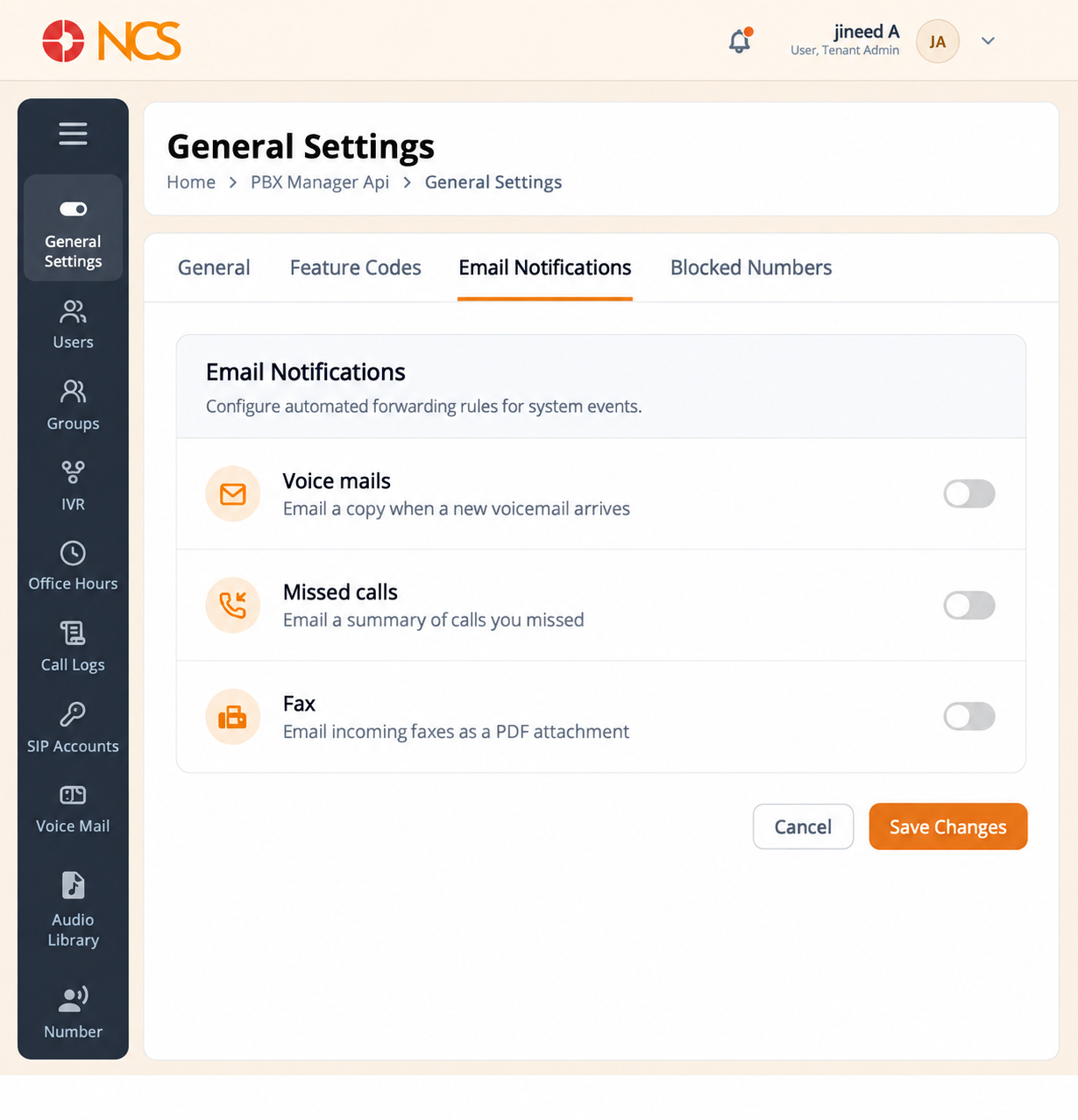
Email Notifications decides which telephony events generate an email.
- Open مدير المقسم الآلي > General الإعدادات.
- حدد Email Notifications.
- Set the three switches:
- Voice mails, emails a copy of the message when a new voicemail arrives.
- Missed calls, emails a summary of missed calls.
- Fax, emails incoming faxes as PDF attachments.
- حدد Save Changes, or إلغاء to discard.
Turn Voice mails on before you tell users that voicemail works. A mailbox nobody is notified about behaves, to the user, like a call that was never returned.
Figure key, Email Notifications
- Email Notifications tab, selected.
- Voice mails switch.
- Missed calls switch.
- Fax switch.
- إلغاء button.
- **زر حفظ التغييرات.